- Procurement Automation: Customizing automated conversion rules that consolidate approved purchase requisition (PR) lines into purchase orders (POs).
- Dynamic Split Parameters: Governing order generation based on Vendor Account, Currency, Delivery Date, Delivery Address, and Requester.
- Configurable Parameter Forms: Implementing dedicated UI setup forms allowing procurement teams to toggle split rules per legal entity.
- PurchAutoCreate Extensibility: Overriding core order generation logic via X++ Chain of Command to enforce custom consolidation groupings.
- Operational Efficiency: Eliminating manual buyer intervention, reducing PO clutter, and streamlining supplier communication.

Business Process & Functional Requirements
In the standard Dynamics 365 Finance & Operations system, approved purchase requisitions can be converted into purchase orders through automated batch processing or manual release. However, standard combination rules often lack the granularity required by complex global supply chains.
When multiple requisition lines are approved simultaneously, organizations require strict control over when lines are combined onto a single Purchase Order versus when distinct orders must be generated.
“Tailoring PO consolidation rules ensures procurement departments maintain strict order separation by vendor, delivery location, and requester without forcing buyers to execute manual releases.”
Configured Purchase Order Split Rules
To address diverse enterprise procurement scenarios, the custom solution introduces configurable combination parameters:
Vendor & Currency
Strict separation ensuring lines with different vendor accounts or transaction currencies generate isolated PO headers.
Delivery Address
Splits orders automatically when requisition lines target distinct warehouse sites or drop-ship customer locations.
Requested Date
Groups lines by delivery schedule windows to avoid premature vendor shipments.
Requester Alignment
Optional rule preventing different department requesters from combining onto the same PO header.
Custom Setup & Parameter Forms in D365FO
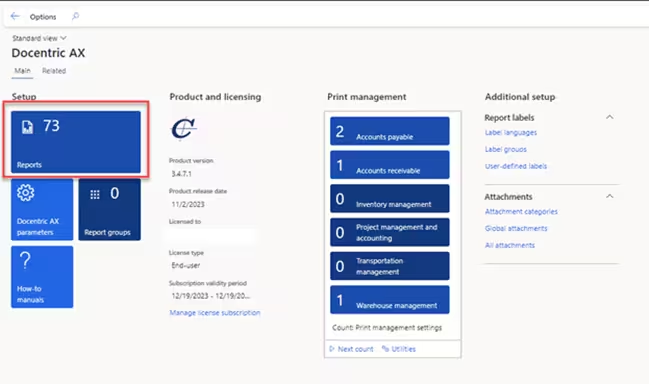
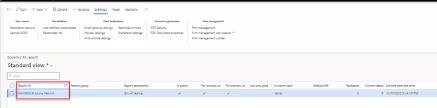
Procurement administrators configure split parameters under Procurement and sourcing > Setup > Purchase order split rules:
Technical Architecture & Execution
Under the hood, the solution extends the PurchAutoCreate class hierarchy using X++ Chain of Command. During order creation, the custom extension evaluates the configured split criteria before instantiating new PurchTable records: