- Automated Build Outputs: Navigating Azure DevOps Pipelines to locate published build artifacts from gated check-ins.
- Deployable Package Extraction: Downloading the compiled
AXDeployableRuntime_*.ziparchive from pipeline runs. - Lifecycle Services Ingestion: uploadsing the extracted package into the LCS Asset Library under Software deployable package.
- Release Auditing: Preserving build numbers, commit hashes, and automated test telemetry for change management compliance.
- Downstream UAT Deployment: Preparing the verified build artifact for deployment to Tier-2+ sandbox testing environments.

Overview: CI/CD Pipeline Artifacts
In this blog, we will learn how to extract deployable packages generated by an automated Azure DevOps build pipeline and prepare them for promotion into Lifecycle Services (LCS).
Automated build pipelines compile all X++ models, execute unit tests, and package runtime binaries into standard deployable archives, ensuring consistent, repeatable releases across staging and production environments.
“Extracting version-controlled deployable packages directly from Azure DevOps build pipelines guarantees that only validated, peer-reviewed code reaches your UAT and Production environments.”
Step-by-Step Package Extraction
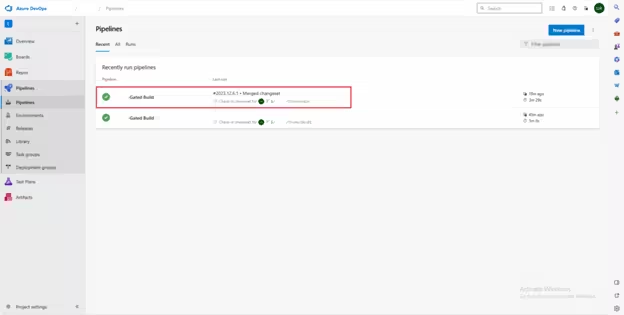
Step # 1: Navigate to your project in Azure DevOps. Go to Pipelines > Pipelines > Recent and select your build definition (e.g., 10.0.37-Gated Build):
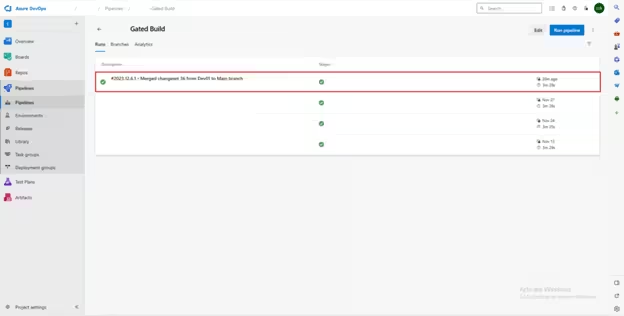
Step # 2: Select the completed build corresponding to your target shelveset or changeset:
Step # 3: In the run summary, click on Artifacts > published:
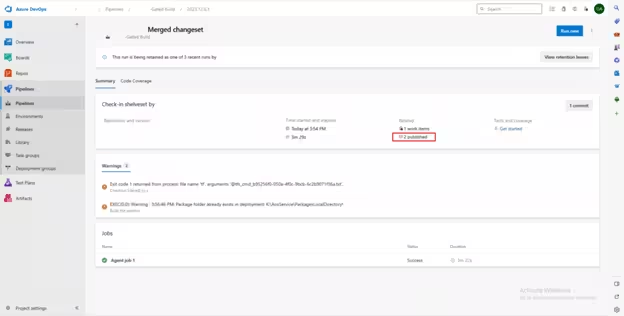
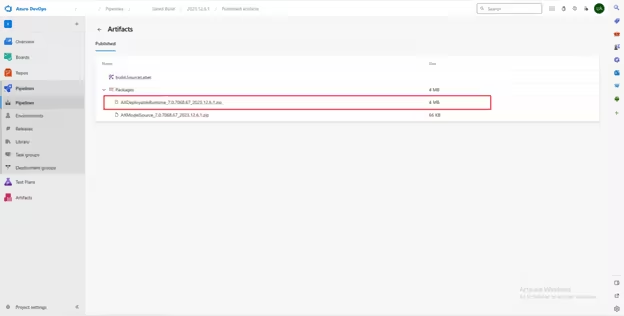
Step # 4: Download the deployable package zip file (for example: AXDeployableRuntime_7.0.7068.67_2023.12.6.1.zip):
Step 5: uploadsing Package to Lifecycle Services (LCS)
After downloading the package, log in to Lifecycle Services (LCS) and open your implementation project:
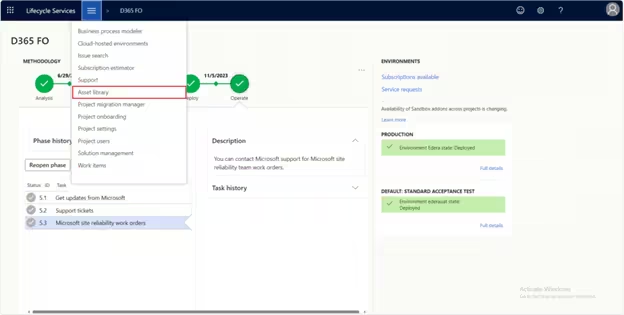
Navigate to the Asset Library, select the Software deployable package asset type, and click the + button to uploads your package:
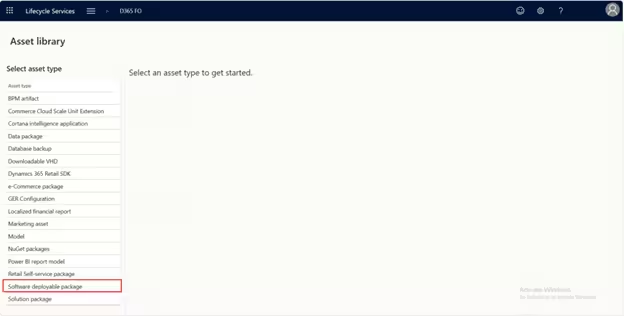
Once validated by LCS, the package becomes immediately available under the Apply updates menu across your UAT and sandbox environments.